Software engineering
Basic University Management System
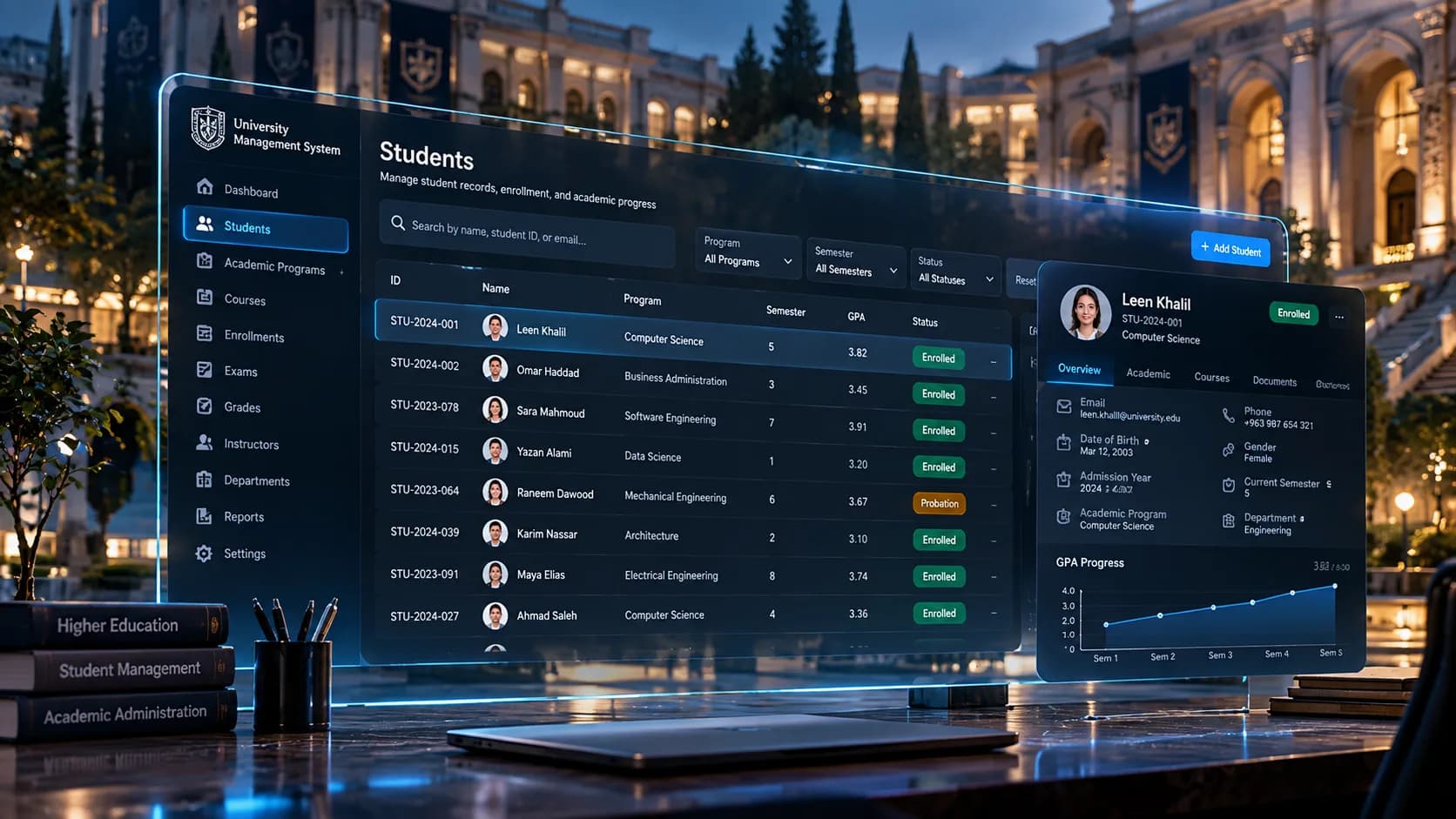
Basic University Management System with basic GUI, for training.
- Evidence
- Verified work
- Role
- full project
- Timeline
- Jul 2024
- Category
- Software engineering
Overview
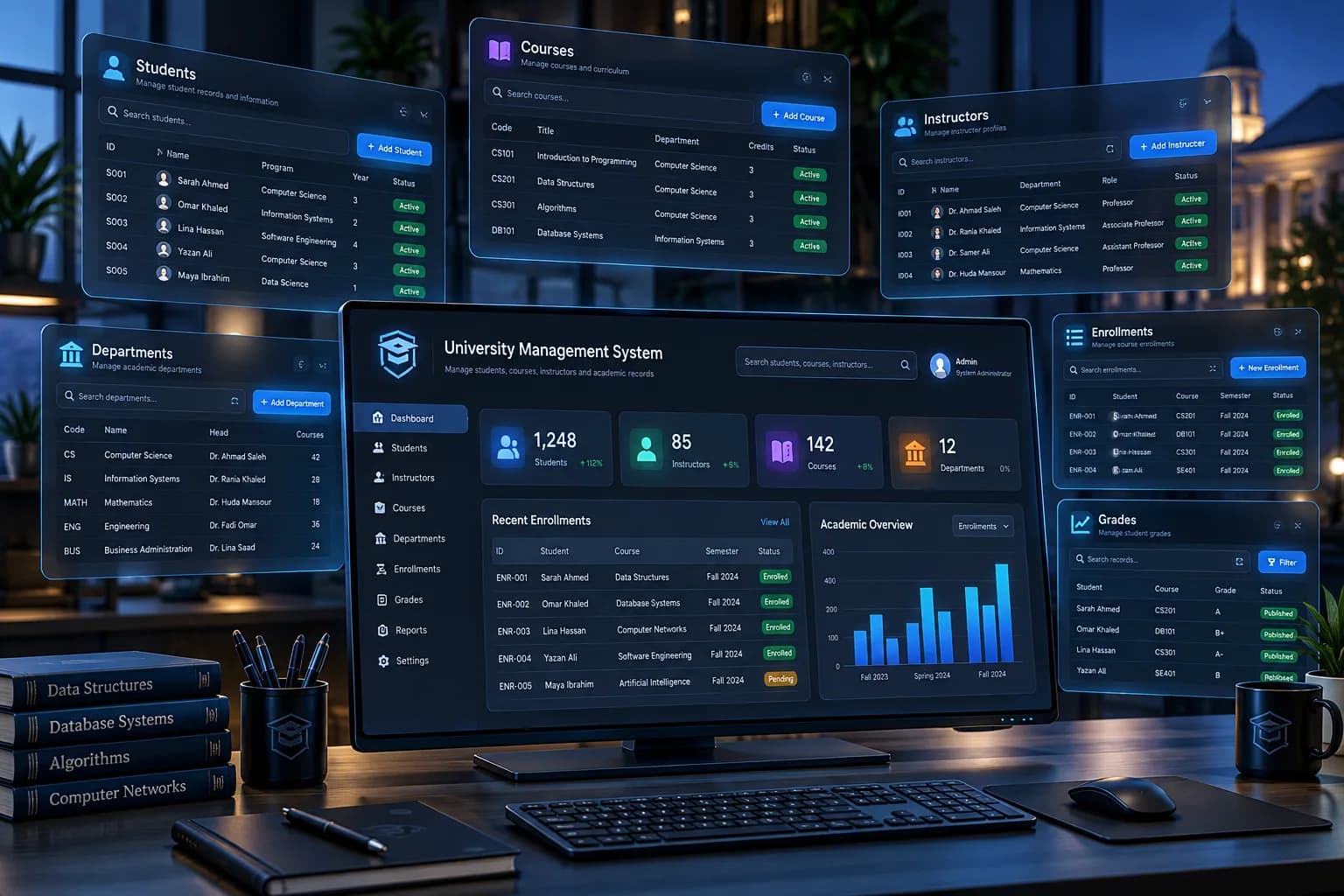
The Basic University Management System is a training-oriented desktop application designed to demonstrate how a graphical interface can be used to manage university-related information through a structured digital system.
The project focuses on turning common academic administration tasks into clear, accessible workflows through a GUI, providing a practical introduction to application design, data organization, user interaction, and system-based information management.
Problem
University administration involves a large amount of interconnected information. Students, courses, academic records, instructors, departments, and enrollment information need to be organized consistently while remaining easy to access.
For a training project, the challenge was to move beyond isolated forms or individual data structures and create a single application where different university management workflows could be represented through a coherent graphical interface.
The system therefore needed to demonstrate how a software application can organize academic information while keeping interaction simple enough for users to understand.
Constraints
The project was intentionally positioned as a basic university management system for training purposes, which influenced its scope and complexity.
Key constraints included:
- Keeping the system understandable for educational use
- Maintaining a straightforward graphical interface
- Avoiding unnecessary enterprise-level complexity
- Representing university workflows in a manageable scope
- Keeping data presentation clear and structured
- Building a foundation that could be expanded later
The objective was to demonstrate the principles of a university information-management application rather than reproduce the complexity of a production university ERP platform.
Approach
The application was approached as a GUI-driven management system, with the interface acting as the primary layer between the user and the underlying university data.
Instead of treating every operation as an independent screen, the project organizes related information into a unified management experience.
The design focuses on:
- Structured academic information
- Clear navigation between management areas
- Form-based data interaction
- Search and filtering workflows
- Tabular information presentation
- Status and record visibility
- Consistent GUI components
- Separation between user interaction and application logic
The result is a compact system that demonstrates the fundamental principles behind larger information-management applications.
Architecture
The system can be understood as a layered GUI application:
User → Graphical Interface → Application Logic → University Data
Presentation Layer
The GUI provides the primary interaction surface, allowing users to navigate through the system, view information, enter data, and interact with management workflows.
Application Layer
The application logic coordinates user actions and determines how information should be processed, validated, displayed, or updated.
Data Layer
University-related information is organized into structured records that can be accessed by the application's management workflows.
Interaction Flow
A typical operation follows:
User Action → GUI Event → Validation / Business Logic → Data Operation → Updated Interface
This separation provides a foundation for extending the application without putting all functionality directly inside individual interface components.
Intelligence layer
Unlike an AI-powered system, this project does not require machine-learning intelligence.
Its application intelligence comes from the rules and logic used to manage academic information and user interactions.
This includes:
- Input validation
- Data consistency rules
- Record management logic
- Search and filtering behavior
- Relationship handling between academic entities
- Status management
- Controlled user workflows
The important engineering concept is that the application can provide meaningful behavior through deterministic business logic without requiring an AI model.
Engineering decisions
Modular GUI Structure
The interface is organized around distinct management concerns rather than putting all functionality into a single screen.
Structured Data Presentation
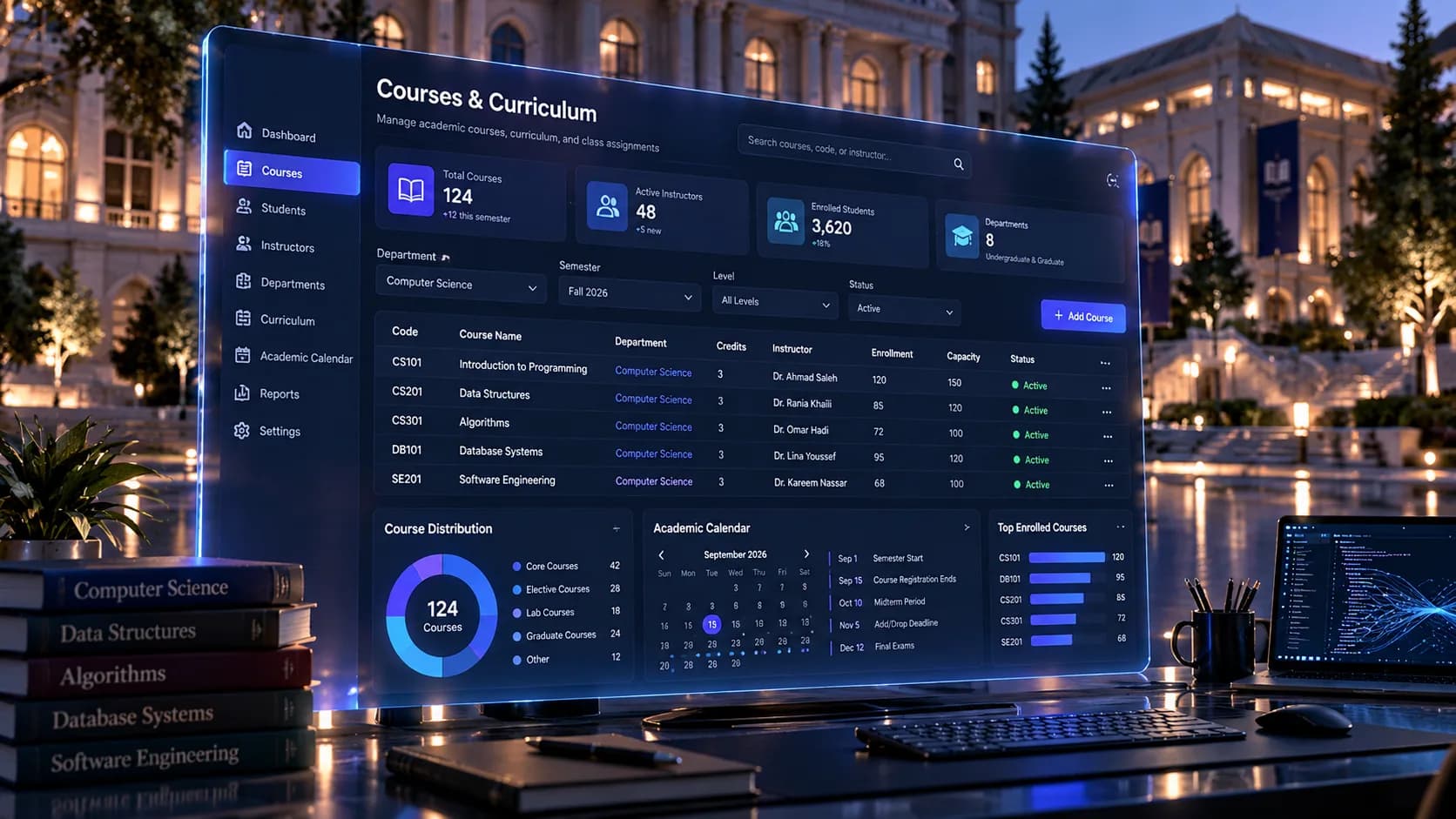
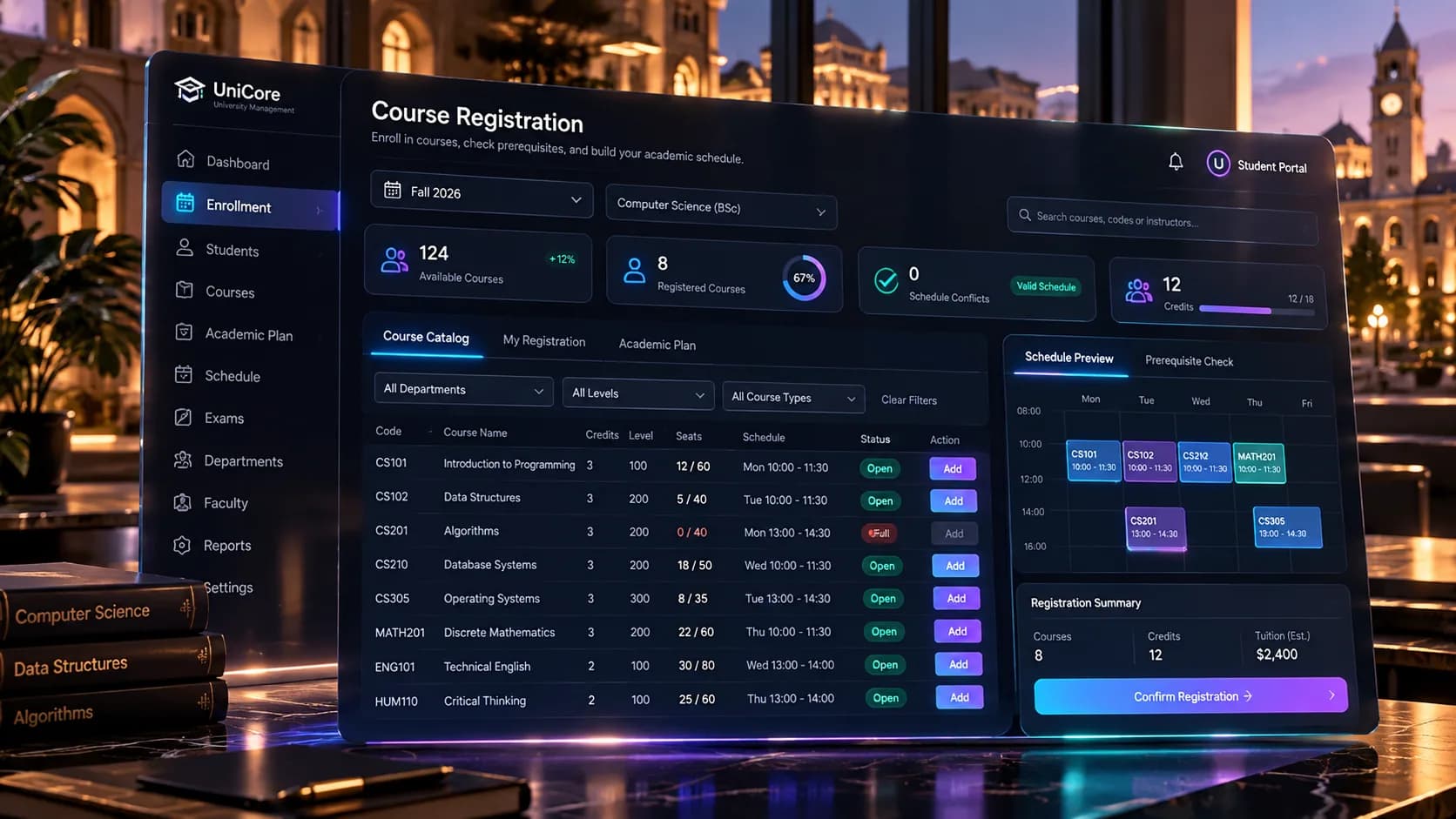
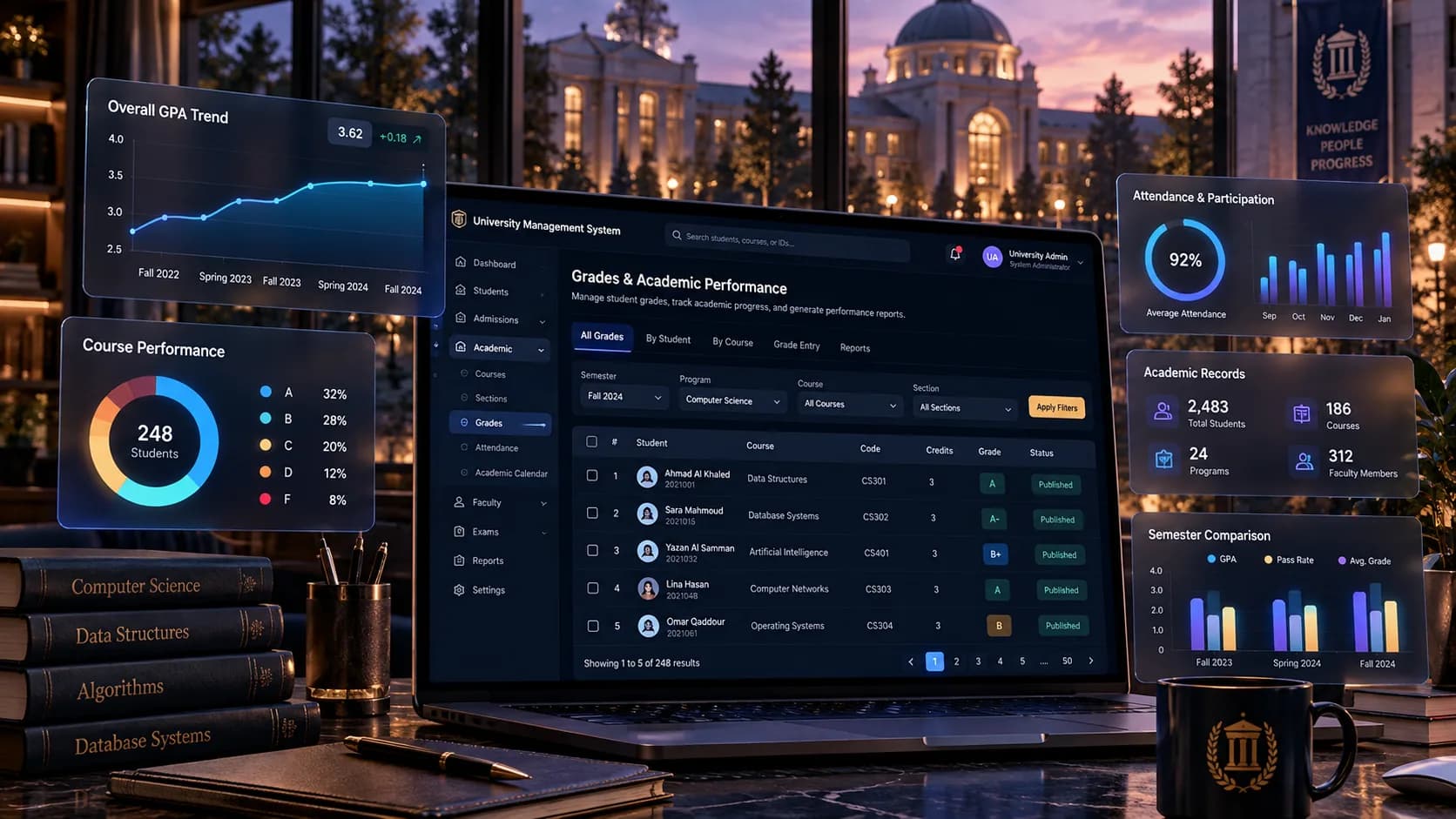
Tables and organized information panels are used where users need to scan or compare multiple records.
Consistent Interaction Patterns
Common actions such as adding, viewing, searching, filtering, and updating information follow consistent interaction patterns.
Separation of Concerns
The GUI is kept conceptually separate from the underlying application and data logic, making the system easier to understand and extend.
Training-Oriented Scope
The project deliberately avoids unnecessary enterprise complexity, allowing the core concepts of application development and information management to remain visible.
Extensibility
The structure provides a foundation for future additions such as authentication, role-based access, reporting, database persistence, advanced analytics, and more sophisticated academic workflows.
Challenges
1. Designing a Usable GUI
One of the main challenges was presenting potentially complex university information without making the interface difficult to navigate.
2. Organizing Related Data
University information is naturally interconnected. Students, courses, academic records, and other entities need to be represented in a way that keeps relationships understandable.
3. Maintaining Consistent User Interaction
Forms, tables, buttons, filters, dialogs, and navigation elements need consistent behavior throughout the application to avoid creating a fragmented user experience.
4. Balancing Simplicity and Functionality
Because the system was created as a training project, it needed to demonstrate meaningful management workflows without becoming unnecessarily complex.
5. Translating Administrative Workflows into Software
Another challenge was converting real-world university administration concepts into concrete software structures, screens, and interactions.
6. Keeping the Interface Data-Oriented
Management systems often contain large amounts of structured information. Presenting that information clearly through a GUI requires careful decisions around tables, grouping, filtering, forms, and visual hierarchy.
Results
The project resulted in a functional training-oriented University Management System centered around a graphical user interface.
It demonstrates how software can transform university administration concepts into structured digital workflows while providing practical experience with:
- GUI application development
- Information architecture
- Data organization
- User interaction
- Validation
- Application logic
- Management-system design
More importantly, the project provides a foundation that can evolve from a basic educational application into a more comprehensive academic management platform.
Media
Related projects
Software engineering
Tavola — Multi-Tenant Restaurant Reservation Platform
A multi-tenant SaaS for restaurant reservations, tables, branches and staff: NestJS backend with real-time updates, a Flutter customer app, a React restaurant dashboard and a platform-owner console.
Stack
Software engineering
Dr. Elias Dahdal Clinic — Clinic Management System
A multi-department clinic management system in production: reception, laser, dermatology and dental workflows, billing and accounting in two currencies, payroll, inventory, audit and a patient portal.
Stack
Software engineering
VegaCore Operating System (VOS)
An ERP / CRM / project-management platform for VegaCORE: CRM, projects, marketing, media, HR, finance, archive and AI modules on NestJS, Prisma, PostgreSQL and Next.js 15.
Stack